OWLSPEAK
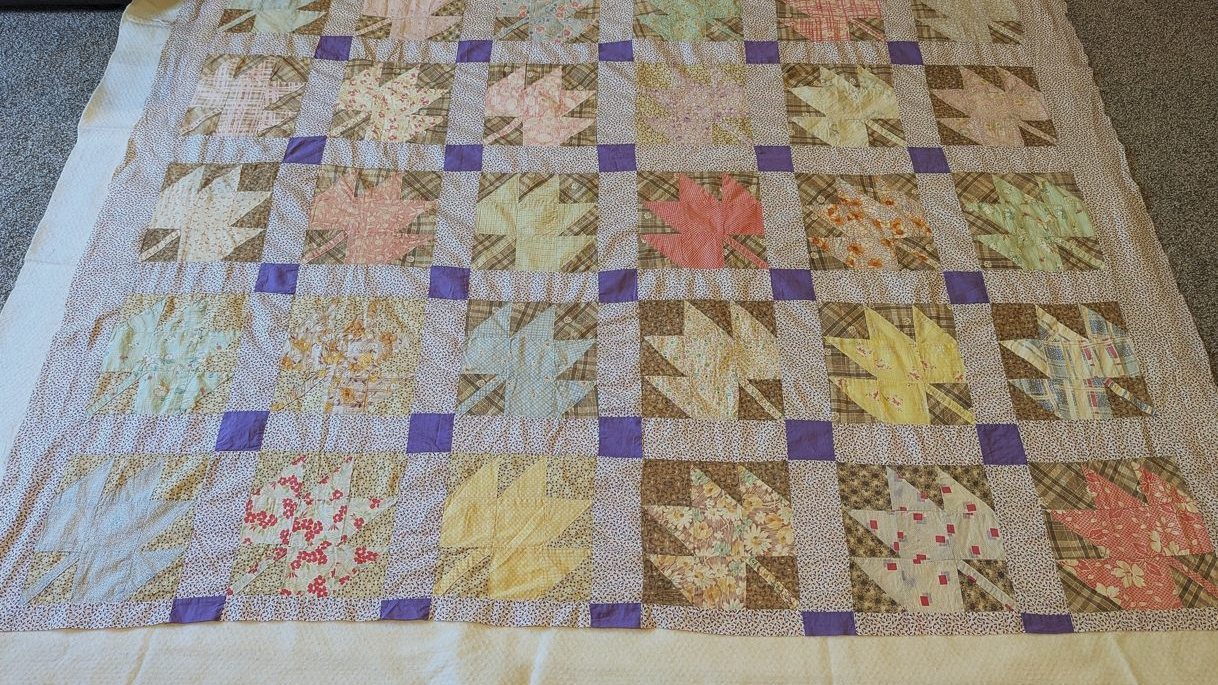
Finishing a 100-year-old quilt top: a maple leaf quilt from an Iowa farm
Feed-sack prints, fraying patches and a lot of nerves — what it took to turn a century-old top into a quilt…
Read more PatchOwl where quilting ideas take flight
PatchOwl is quilt design software that helps quilters turn their ideas into quilts they can actually make. Design traditional and custom quilts, play with blocks, colors and layouts, then get cutting measurements and fabric yardage. With practical support for multiple-at-a-time blocks, like HSTs, QSTs and Flying Geese, and directional fabric cutting, PatchOwl helps you make it real.
PatchOwl supports real owls. Read more →
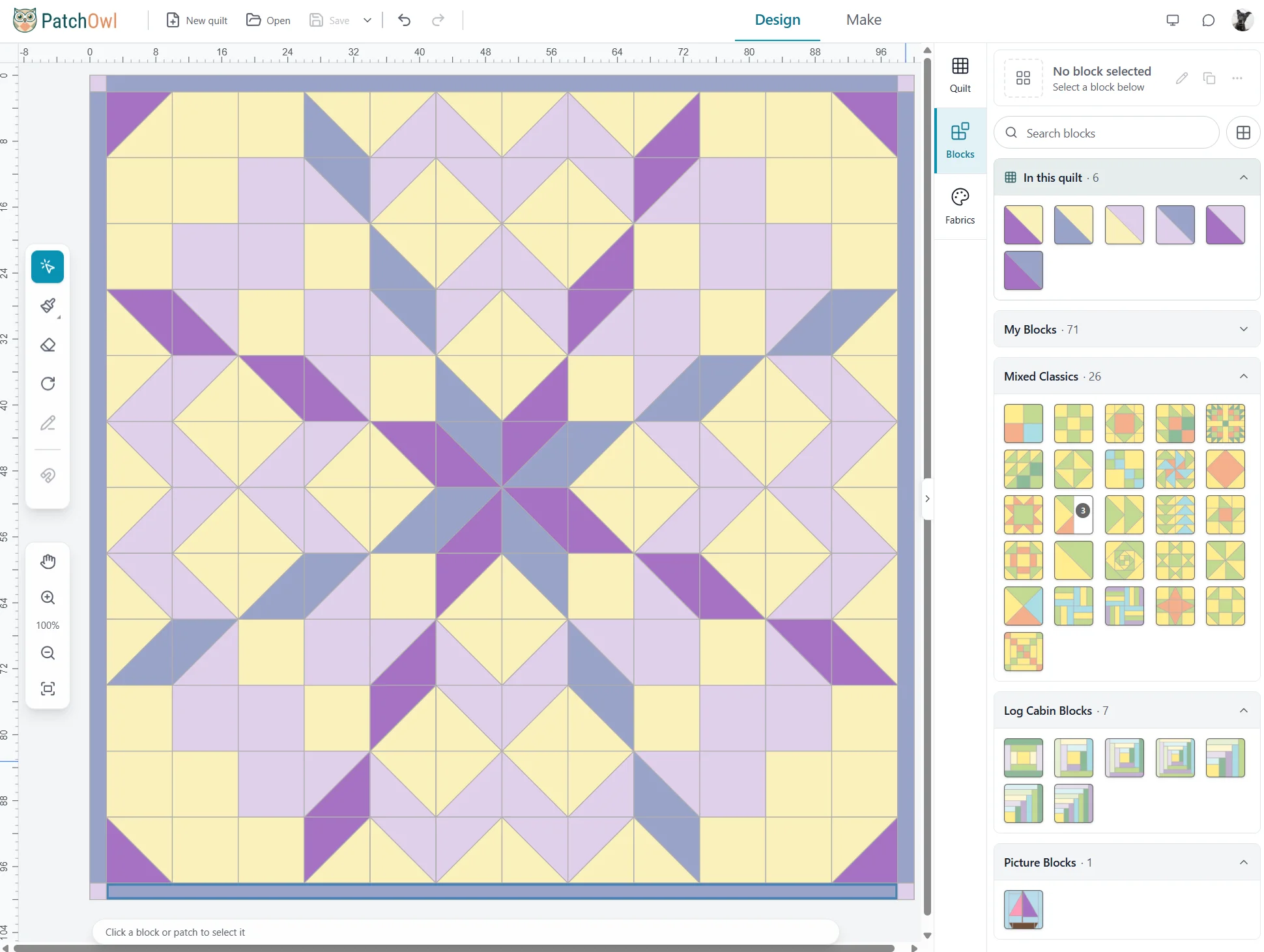
PatchOwl makes it easy to design your quilt, with an intuitive interface and flexible grid options. From there, PatchOwl handles the cutting math and fabric yardage estimate, and even recommends construction techniques for popular blocks.
Using equal-size blocks? A rectangular grid is an efficient and easy option. Most beginners start here.
Need more flexibility? Divide the quilt top into sections of any size. Each four-cornered section holds one quilt block. You draw sections with the same easy pen tools as the block editor, with line guides that show the angle and snap to the grid. Drag a line to move it, or drag its end point to reshape a section.
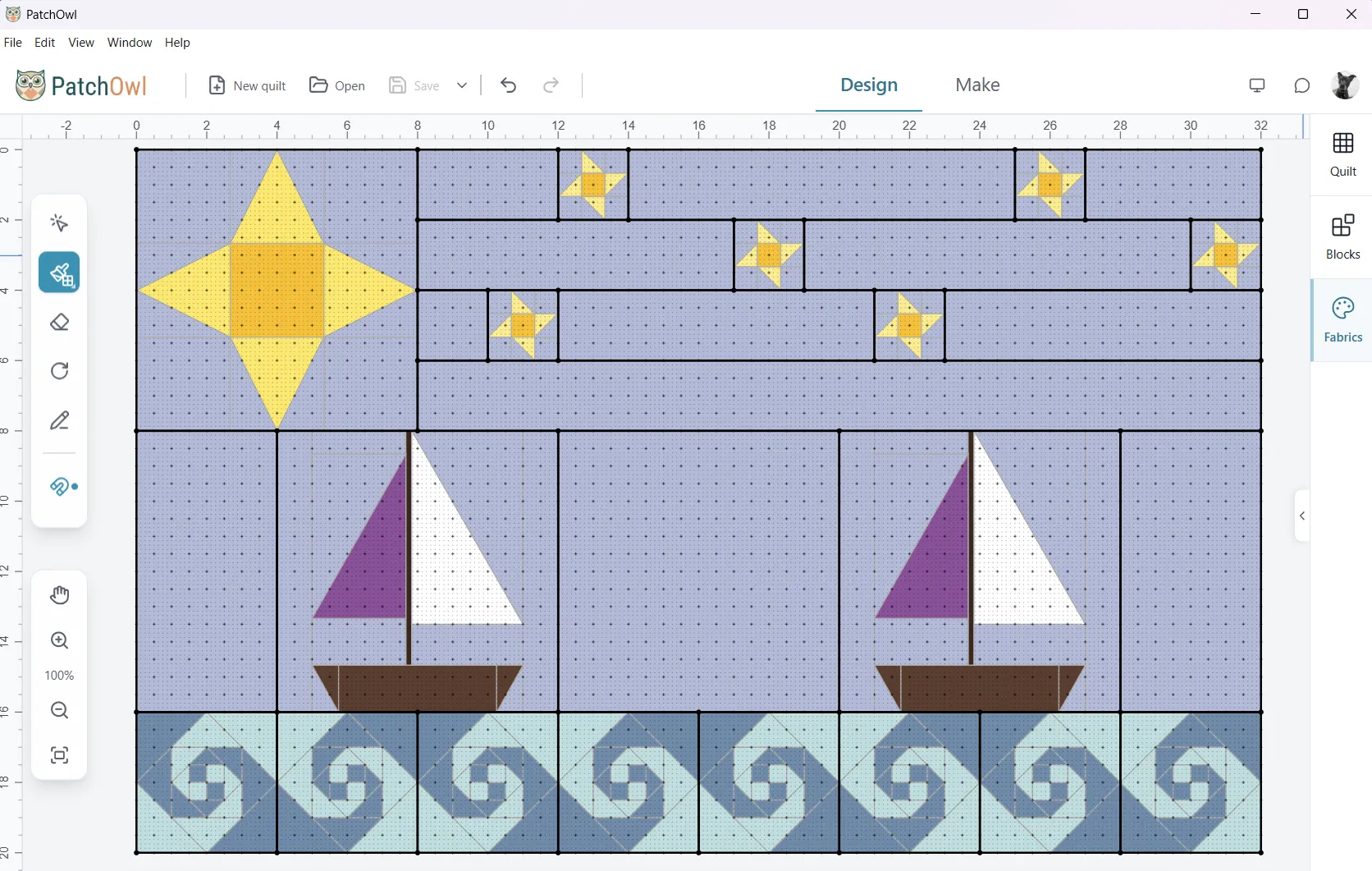
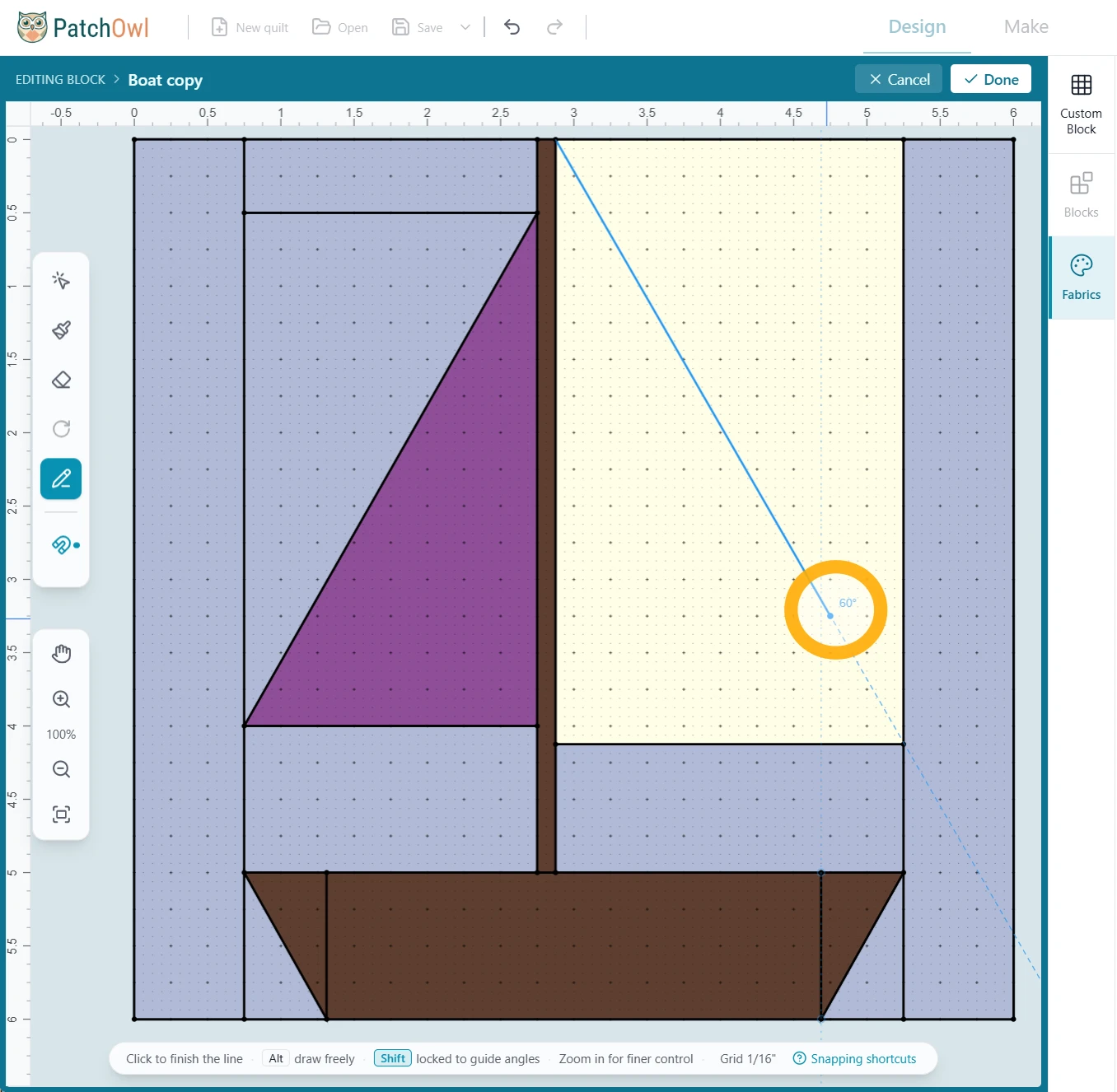
Need a block that isn’t in the library? Draw it as easily as picking up a pen, with line guides that show the angle as you draw. No fitting shapes together like a puzzle or fiddly resizing. Save it and use it in any quilt.
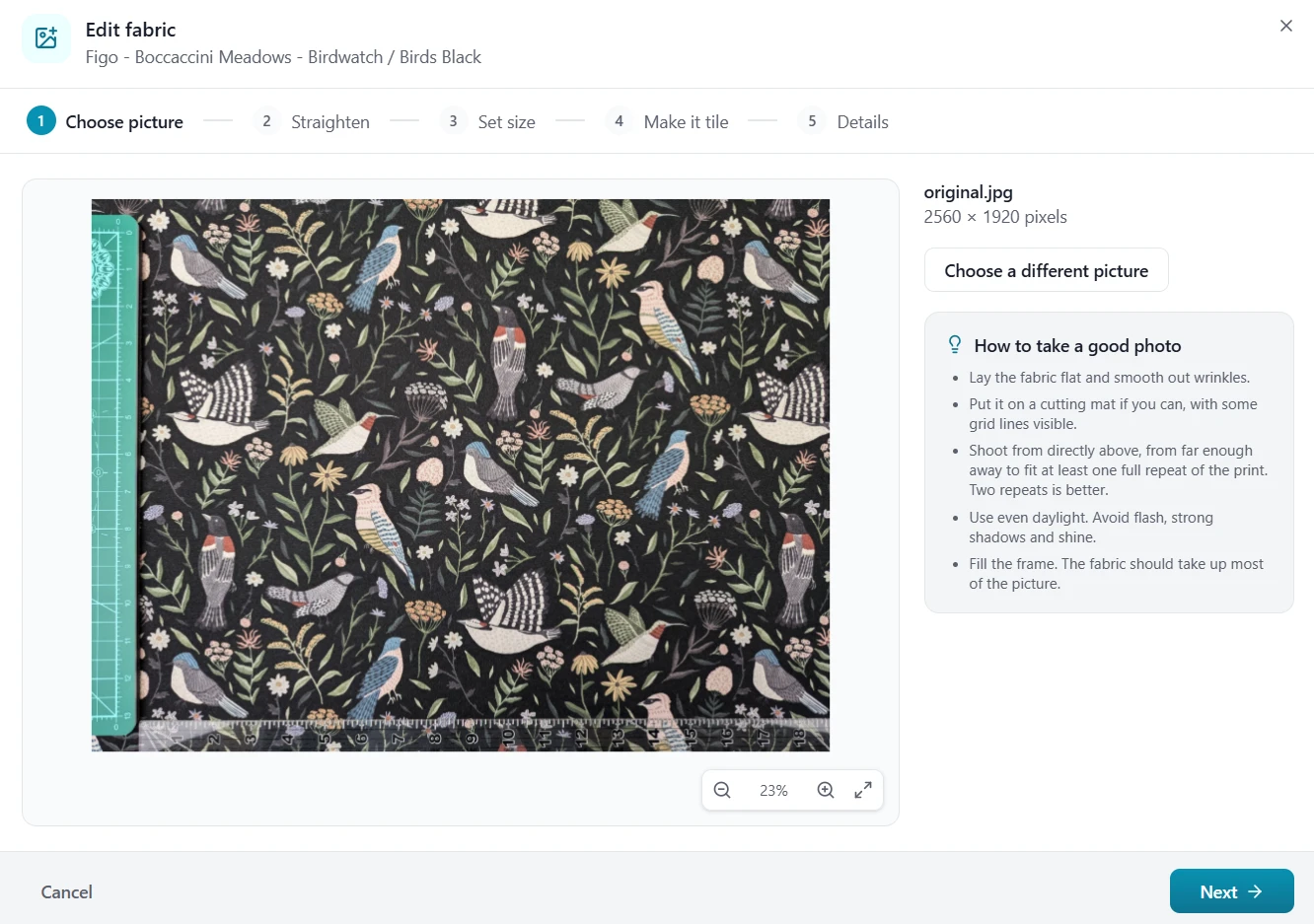
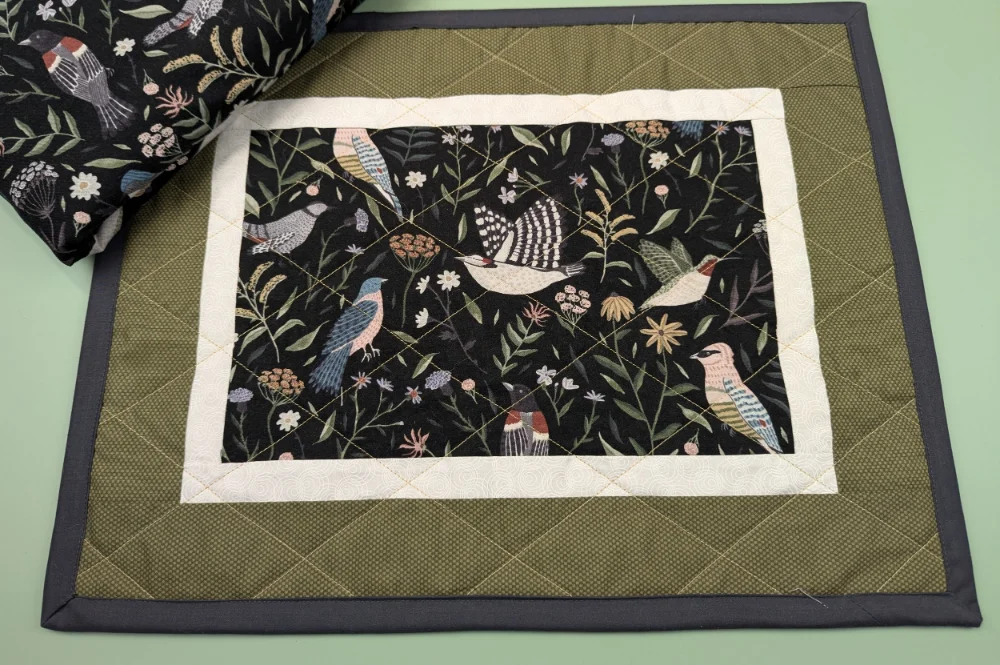
Want to see a particular fabric in your design? Photograph it from your stash, or save an image from the web, and audition it in your quilt before you cut. Built-in solids from Moda, Robert Kaufman, Riley Blake and Paintbrush Studio, plus a selection of prints, are ready to use too.
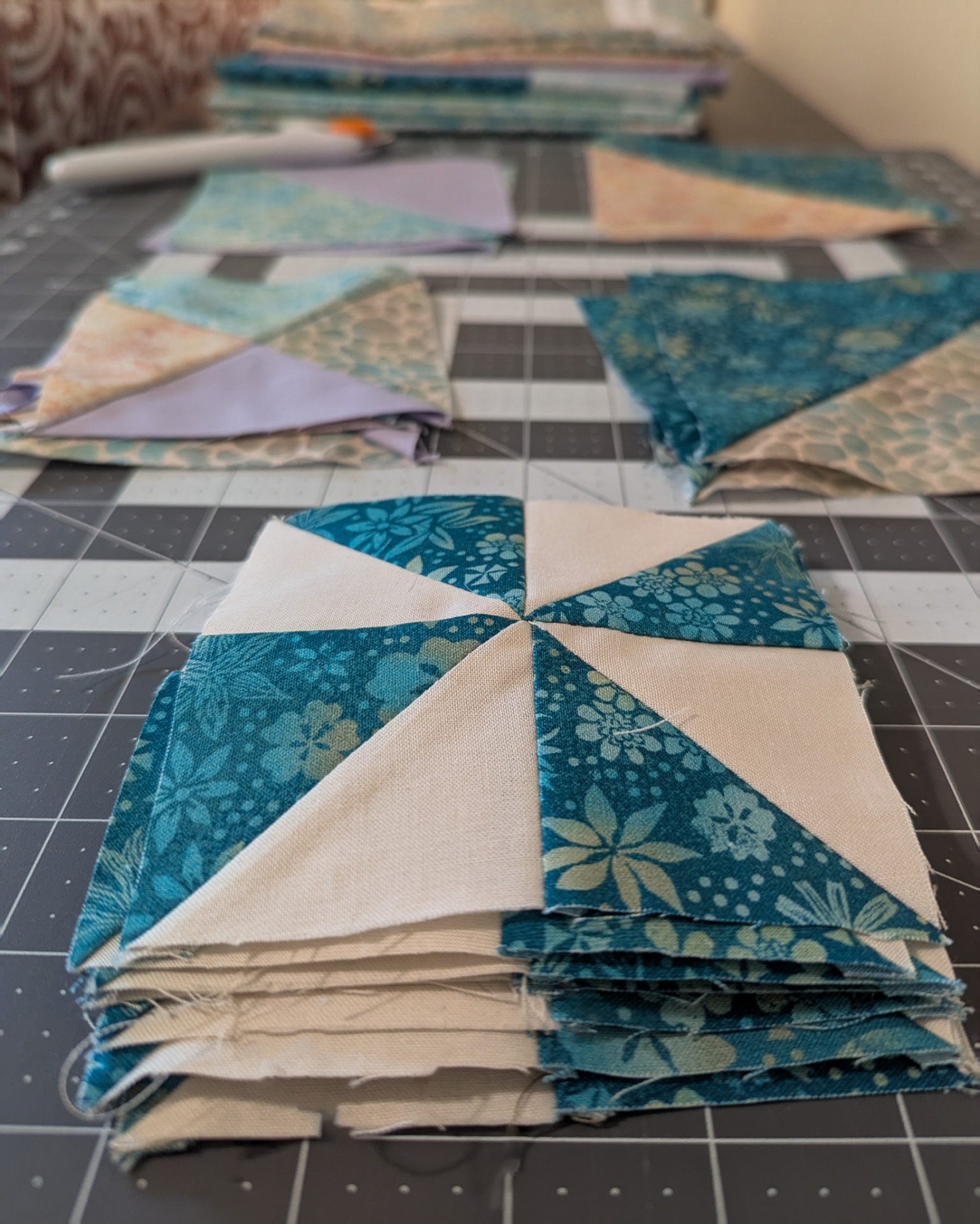
Not sure which method to use? PatchOwl recommends batch methods for Half-Square Triangles (HSTs), Flying Geese, and Quarter-Square Triangles (QSTs) based on count across the quilt and other practical factors.
Guide: how PatchOwl picks your HST methodHalf-Square Triangles: 1, 2, 4 or 8 at a time?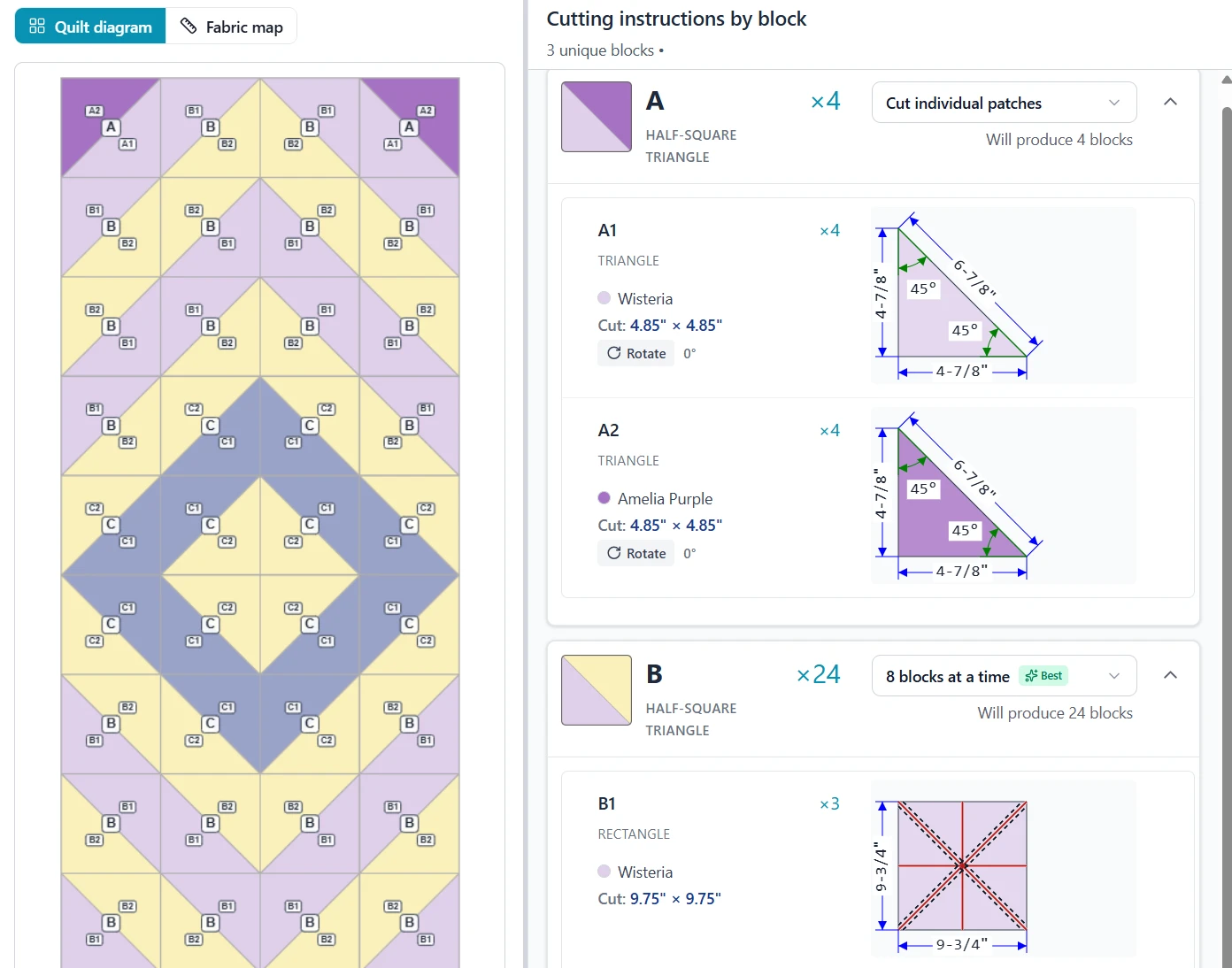
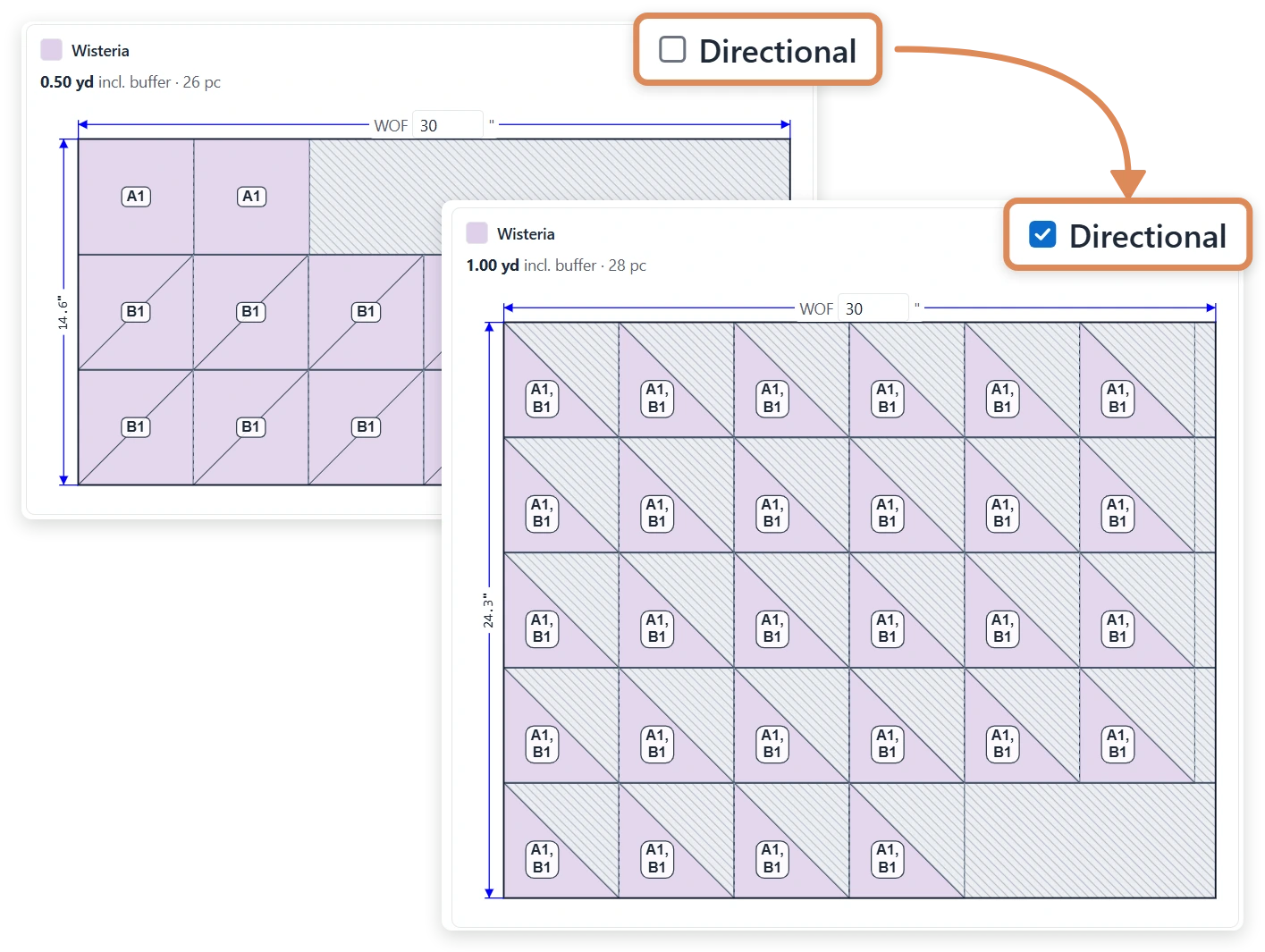
How much fabric do you need? See the total to buy and the yardage for every fabric, with a fabric map that proposes how to cut shapes from a bolt of fabric, combining efficient use of fabric with ease of cutting. Print it as a PDF for the cutting table.
Using a print with a one-way design? Mark it as directional and your fabric estimate allows one shape per cut square instead of packing two triangles in, so you buy enough and each motif stays the right way up.
We’re just getting started. There’s more on the way.
See how PatchOwl takes you from quilt design to cutting instructions — including smarter construction methods, fabric estimates, and flexible design tools.
Download PatchOwl for Mac or Windows, create your free account, and try it free for 45 days. No card needed.
Feed-sack prints, fraying patches and a lot of nerves — what it took to turn a century-old top into a quilt…
Read more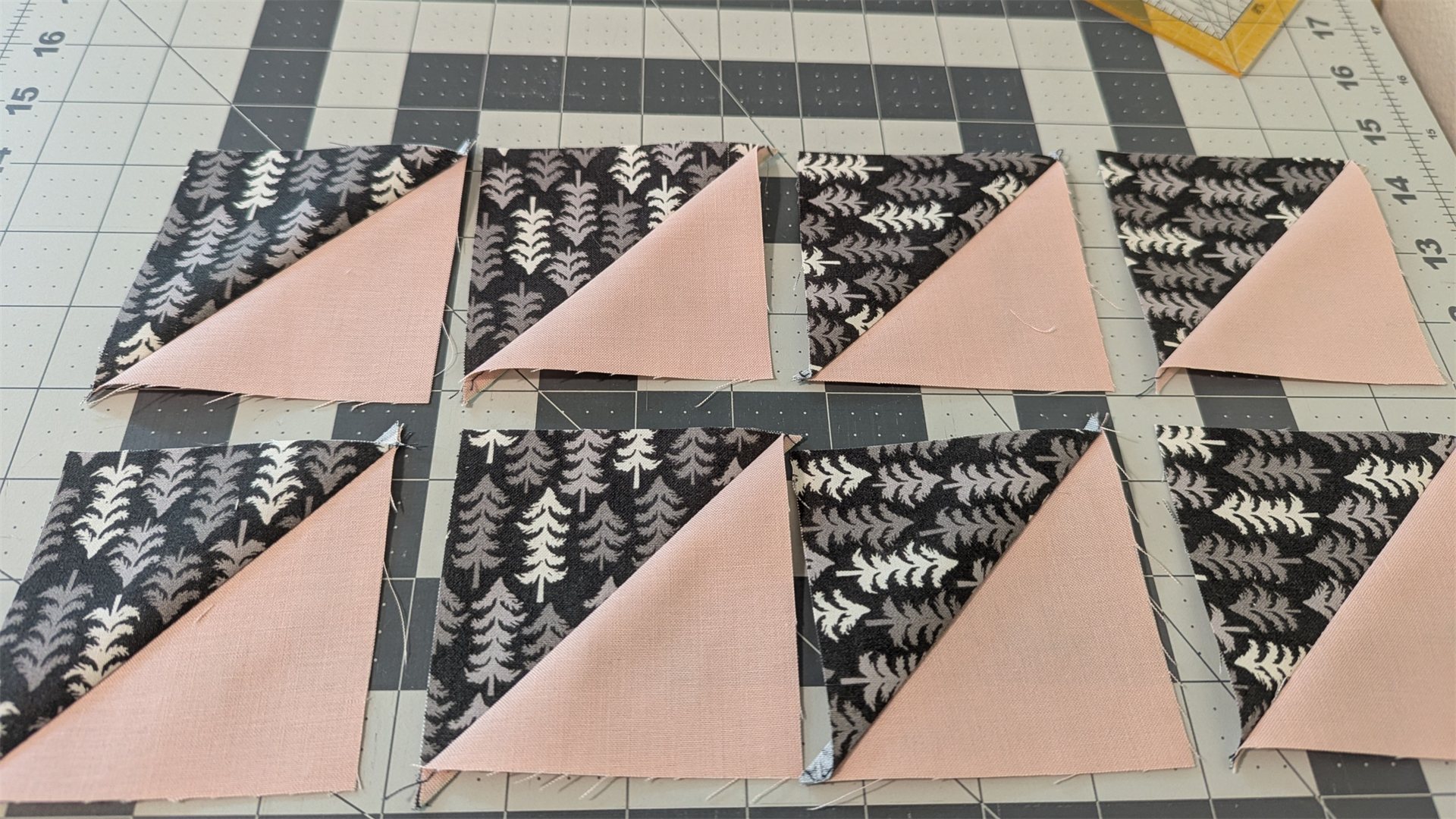
Sizing, fabric waste, bias edges and directional prints — pick the right method for your quilt…
Read more